 Cloud Computing
Oracle Cloud Functions Serverless with Terraform
Deploy serverless functions on Oracle Cloud with Terraform — applications, function deployment, and API Gateway. Step-by-step guide with code examples and be...
2 min read
Cloud Computing
Complete AWS Free Tier guide for 2026. See all free services (EC2, S3, Lambda, RDS), usage limits, 12-month vs always-free tiers
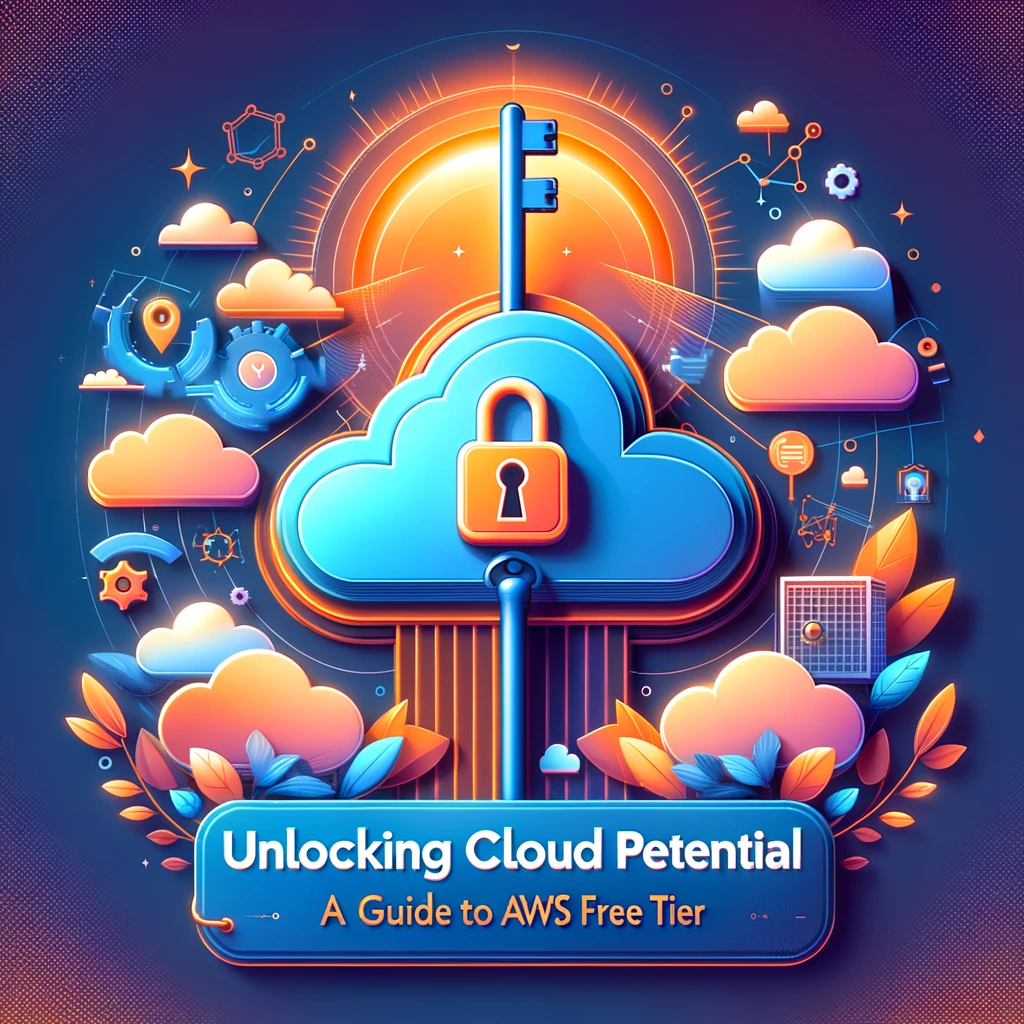
AWS Free Tier gives you access to 100+ cloud services at no cost. Whether you're learning Terraform, testing a startup idea, or studying for AWS certifications, the Free Tier lets you use real AWS infrastructure without a credit card charge — as long as you stay within the limits.
This guide covers every Free Tier category, the most useful services with their exact limits, and how to avoid surprise bills.
AWS organizes free offerings into three categories:
| Type | Duration | Who Qualifies |
|---|---|---|
| Always Free | Never expires | All AWS accounts |
| 12 Months Free | First 12 months after signup | New accounts only |
| Free Trials | Varies per service (30-365 days) | First use of the service |
These stay free forever, regardless of when you created your account:
| Service | Free Limit |
|---|---|
| AWS Lambda | 1M requests/month + 400,000 GB-seconds compute |
| AWS Step Functions | 4,000 state transitions/month |
| Service | Free Limit |
|---|---|
| Amazon DynamoDB | 25 GB storage, 25 read/write capacity units |
| Amazon S3 | Not always-free (see 12-month below) |
| Service | Free Limit |
|---|---|
| Amazon CloudFront | 1 TB data transfer out/month |
| Amazon API Gateway | 1M REST API calls/month |
| Service | Free Limit |
|---|---|
| Amazon CloudWatch | 10 custom metrics, 10 alarms, 1M API requests |
| AWS CloudTrail | 1 management trail (90-day event history) |
| AWS Trusted Advisor | 7 core checks |
| Service | Free Limit |
|---|---|
| AWS CodeBuild | 100 build minutes/month |
| AWS CodeCommit | 5 active users, 50 GB storage, 10,000 Git requests |
| AWS CodePipeline | 1 active pipeline |
| Service | Free Limit |
|---|---|
| Amazon SageMaker | 250 hours/month of ml.t3.medium notebooks |
| Amazon Comprehend | 50K units of text/month |
| Amazon Translate | 2M characters/month |
Available for 12 months after account creation:
| Service | Free Limit | What You Can Build |
|---|---|---|
| Amazon EC2 | 750 hours/month of t2.micro (or t3.micro in regions that support it) | Web servers, dev environments |
| Amazon S3 | 5 GB storage, 20K GET, 2K PUT requests | Static websites, backups |
| Amazon RDS | 750 hours/month of db.t2.micro/db.t3.micro, 20 GB storage | MySQL, PostgreSQL databases |
| Amazon ElastiCache | 750 hours of cache.t2.micro/cache.t3.micro | Redis/Memcached caching |
| Amazon CloudFront | 50 GB data transfer (separate from always-free) | CDN for websites |
| Elastic Load Balancing | 750 hours of Classic/ALB + 15 GB data | Load balancing |
| Amazon EBS | 30 GB of General Purpose SSD | Block storage for EC2 |
| Amazon SNS | 1M publishes, 100K HTTP deliveries | Push notifications |
| Amazon SQS | 1M requests | Message queuing |
The most popular Free Tier service. Key details:
# Terraform example: Free Tier EC2 instance
resource "aws_instance" "free_tier" {
  ami           = "ami-0c55b159cbfafe1f0"  # Amazon Linux 2
  instance_type = "t2.micro"               # Free Tier eligible

  tags = {
    Name = "free-tier-instance"
  }
}# Terraform example: Free Tier RDS
resource "aws_db_instance" "free_tier" {
engine = "mysql"
engine_version = "8.0"
instance_class = "db.t3.micro"
allocated_storage = 20
storage_type = "gp2"
db_name = "mydb"
username = "admin"
password = var.db_password
skip_final_snapshot = true
}Short-term trials for specific services. The timer starts when you first use the service:
| Service | Free Trial | Duration |
|---|---|---|
| Amazon SageMaker Studio | 250 hours of ml.t3.medium | 2 months |
| Amazon Redshift | 750 hours of dc2.large | 2 months |
| Amazon GuardDuty | Full features | 30 days |
| Amazon Inspector | Full features | 15 days |
| Amazon Macie | 1 GB/month data classification | 30 days |
| AWS Security Hub | Full features | 30 days |
# Terraform: Create a billing alarm
resource "aws_cloudwatch_metric_alarm" "billing" {
  alarm_name          = "billing-alarm-10-dollars"
  comparison_operator = "GreaterThanThreshold"
  evaluation_periods  = 1
  metric_name         = "EstimatedCharges"
  namespace           = "AWS/Billing"
  period              = 21600  # 6 hours
  statistic           = "Maximum"
  threshold           = 10
  alarm_description   = "Alert when charges exceed $10"

  alarm_actions = [aws_sns_topic.billing.arn]

  dimensions = {
    Currency = "USD"
  }
}Go to AWS Billing → Budgets → Create Budget and set a monthly budget of $0 or $1. AWS will email you when you approach the limit.
Check the Free Tier Usage Dashboard at: https://console.aws.amazon.com/billing/home#/freetier
This shows percentage used for each Free Tier service.
Terraform is the best way to manage Free Tier resources — you can create, track, and destroy everything with code:
# Complete Free Tier stack
provider "aws" {
  region = "us-east-1"
}

# VPC (free)
resource "aws_vpc" "main" {
  cidr_block = "10.0.0.0/16"
  tags       = { Name = "free-tier-vpc" }
}

# Subnet (free)
resource "aws_subnet" "public" {
  vpc_id     = aws_vpc.main.id
  cidr_block = "10.0.1.0/24"
  tags       = { Name = "free-tier-subnet" }
}

# EC2 (750 hours/month free)
resource "aws_instance" "web" {
  ami           = "ami-0c55b159cbfafe1f0"
  instance_type = "t2.micro"
  subnet_id     = aws_subnet.public.id
  tags          = { Name = "free-tier-web" }
}

# S3 Bucket (5 GB free)
resource "aws_s3_bucket" "data" {
  bucket = "my-free-tier-bucket-unique-name"
  tags   = { Name = "free-tier-bucket" }
}

# Destroy everything when done:
# terraform destroy
Pro tip: Always run terraform destroy when you're done experimenting. Forgotten resources are the #1 cause of unexpected AWS bills.
Learn by doing with interactive courses on CopyPasteLearn:
The AWS Free Tier is the best way to learn cloud computing and Terraform hands-on without spending money. Use the Always Free tier for Lambda, DynamoDB, and CloudWatch. Use the 12-month tier for EC2, S3, and RDS. Set up billing alerts on day one, and always terraform destroy your test infrastructure when you're done. The Free Tier gives you enough to build real applications — just stay within the limits.
Cloud ComputingDeploy serverless functions on Oracle Cloud with Terraform — applications, function deployment, and API Gateway. Step-by-step guide with code examples and be...
 Cloud Computing
Set up OCI Load Balancer with Terraform — backend sets, listeners, SSL certificates, and health checks. Step-by-step guide with code examples and best practi...
 Cloud Computing
Configure OCI Object Storage buckets with Terraform — lifecycle policies, pre-authenticated requests, and replication. Step-by-step guide with code examples ...
 Cloud Computing
Deploy Oracle Autonomous Database with Terraform — ATP and ADW instances, wallets, and private endpoints. Step-by-step guide with code examples and best prac...