 Cloud Computing
AWS WAF Web Application Firewall with Terraform
Protect your applications with AWS WAF rules managed by Terraform — rate limiting, IP blocking, and SQL injection prevention.
2 min read
Cloud Computing
Discover how to use Terraform to automate AWS IAM, S3, and DynamoDB services. Follow our guide to streamline cloud management, ensuring security.
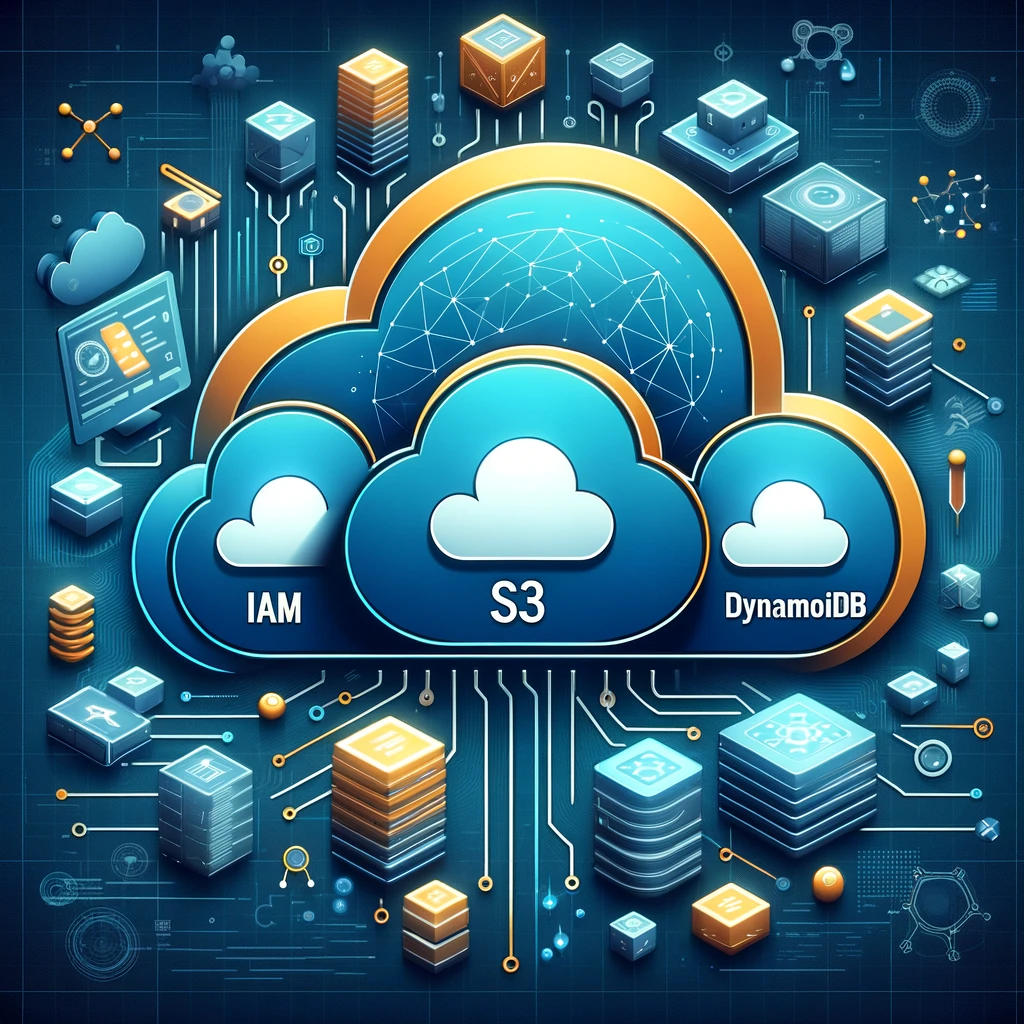
In the era of cloud computing, efficiently managing infrastructure is crucial for developers and organizations. Terraform, an open-source infrastructure as code (IaC) tool developed by HashiCorp, enables teams to define and provision cloud infrastructure using a high-level configuration language. This guide explores how to implement key AWS services—Identity and Access Management (IAM), Simple Storage Service (S3), and DynamoDB—using Terraform, automating and streamlining the process to ensure secure, scalable, and reliable cloud environments.
Terraform's declarative configuration language allows you to describe your desired infrastructure state, and it takes care of reaching that state with minimal human intervention. It supports numerous providers, including AWS, making it an ideal choice for setting up and managing AWS resources like IAM, S3, and DynamoDB. Terraform's ability to manage the entire lifecycle of resources, including creation, modification, and deletion, ensures infrastructure can evolve safely and efficiently over time.
Identity and Access Management (IAM) is a cornerstone of AWS, allowing you to securely control access to AWS resources. Using Terraform to manage IAM can help you automate the creation of users, groups, roles, and policies, ensuring consistent and secure access control.
resource "aws_iam_user" "example_user" {
  name = "example-user"
}

resource "aws_iam_group" "example_group" {
  name = "example-group"
}

resource "aws_iam_group_membership" "example_membership" {
  name = "example-membership"
  users = [aws_iam_user.example_user.name]
  group = aws_iam_group.example_group.name
}
This example defines an IAM user, an IAM group, and adds the user to the group, showcasing how straightforward it is to manage IAM entities with Terraform.
Amazon S3 provides scalable object storage suitable for storing and retrieving any amount of data. With Terraform, you can automate the creation of S3 buckets, set up policies, and configure other settings to manage data effectively.
resource "aws_s3_bucket" "example_bucket" {
  bucket = "my-example-bucket"
  acl    = "private"

  tags = {
    Name        = "My Example Bucket"
    Environment = "Production"
  }
}
This configuration creates a new S3 bucket with a set of specified tags, illustrating the ease of provisioning storage resources with Terraform.
DynamoDB is a fully managed NoSQL database service that provides fast and predictable performance. Terraform can be used to create and configure DynamoDB tables, including settings for throughput, encryption, and more.
resource "aws_dynamodb_table" "example_table" {
  name           = "example-table"
  billing_mode   = "PROVISIONED"
  read_capacity  = 10
  write_capacity = 10
  hash_key       = "id"

  attribute {
    name = "id"
    type = "S"
  }

  tags = {
    Name        = "My Example Table"
    Environment = "Development"
  }
}
This example demonstrates creating a DynamoDB table with specific throughput settings and attributes, showcasing Terraform's capability to manage database resources.
terraform plan to review changes before applying them with terraform apply to avoid unintended modifications.Learn by doing with interactive courses on CopyPasteLearn:
Leveraging Terraform to implement and manage IAM, S3, and DynamoDB on AWS not only streamlines the deployment process but also enhances the security, scalability, and reliability of your cloud infrastructure. By embracing infrastructure as code, teams can achieve greater efficiency and consistency in their cloud environments, paving the way for more innovative and resilient applications.
Cloud ComputingProtect your applications with AWS WAF rules managed by Terraform — rate limiting, IP blocking, and SQL injection prevention.
 Cloud Computing
Manage secrets securely with AWS Secrets Manager and Terraform — rotation, replication, and application integration. Step-by-step guide with code examples an...
 Cloud Computing
Set up a production Redis cluster on AWS ElastiCache with replication, encryption, and automatic failover using Terraform.
 Cloud Computing
Create and configure DynamoDB tables with Terraform including GSIs, auto-scaling, TTL, and point-in-time recovery. Step-by-step guide with code examples and ...